Skill Vault · Learn and understand
Turn a video into something you can try
Choose useful actions from a transcript and decide how to check whether they helped.
A transcript or reliable summary you are allowed to use.
Skill name /youtube-action-plan
Your next step
Try it for yourself
You’ll need: A transcript or reliable summary you are allowed to use.
Paste into an AI conversation after adding your own context.
This is a one-off starter for the approach. Installing the full Skill adds its complete instructions.
Turn this video transcript or summary into a seven-day action plan. Separate what is interesting from what is useful, choose at most three actions, name the smallest proof for each, and schedule a review point.

Source: [paste transcript or summary]
What happens nextThe plan contains at most three actions, each with observable proof and a review point.
Use it again
Add the full Skill.
The starter lets you try the approach. Installation adds the complete instructions to your AI coding tool.
Copy the setup instructionsFor Codex or Claude Code on your computer
Your next step
Ask your agent to help you install it
You’ll need: Node.js with npx, Git, and the agent you choose. A project folder where you want the Skill available.
Paste this into Codex or Claude Code with your project open. Your agent will help you review and install the package.
Review files and permissions before accepting an install. Adding a Skill does not run it.
Help me install /youtube-action-plan from MattEspo23/skills v0.1.2 in this project.

Review the package instructions and supporting files first. Include these Skills: youtube-action-plan.

Use the command for the agent I am using:
Add to Codex:
npx skills@latest add 'MattEspo23/skills#v0.1.2' --skill youtube-action-plan --agent codex --copy

Add to Claude Code:
npx skills@latest add 'MattEspo23/skills#v0.1.2' --skill youtube-action-plan --agent claude-code --copy

Show me where the files will go before making changes. Preserve existing Skills and customizations. Stop if the release, supporting Skills, or target agent cannot be verified. Do not run the Skill or change external services during setup.

After installation, explain how I can use /youtube-action-plan and what access it needs.
What happens nextYour agent should review and add /youtube-action-plan, then explain how to use /youtube-action-plan. Stop if a dependency or version cannot be verified.
No additional supporting Skill is required by this package. Source version: v0.1.2.
Prefer a terminal command?
Add to Codex
npx skills@latest add 'MattEspo23/skills#v0.1.2' --skill youtube-action-plan --agent codex --copy
Add to Claude Code
npx skills@latest add 'MattEspo23/skills#v0.1.2' --skill youtube-action-plan --agent claude-code --copy
Installing copies the instructions into your chosen agent. It does not run the Skill or configure project tools.
Keep the package’s supporting files, LICENSE and NOTICE together with the Skill instructions.
Full notes & source materialThe complete original text, examples and reference details.
These are the complete original notes. Planned videos and services mentioned here may not be available yet; the actions above reflect what you can use on this site now.
Turn a useful video into a focused plan you can apply, test, and revisit instead of another pile of notes.
Watch
Skill Vault video planned · Video planned
Install
Public release v0.1.2 — install the latest source or pin the tested release.
Install latest
npx skills@latest add MattEspo23/skills --skill youtube-action-plan
Reproducible install
npx skills@latest add 'MattEspo23/skills#v0.1.2' --skill youtube-action-plan
Clean installs are verified for Codex and Claude Code. The installer copies editable files into the selected agent; review every Skill before giving it tool access.
This is a public EspoAI original. Its Skill Vault video is planned; the released source can be installed now.
What it does
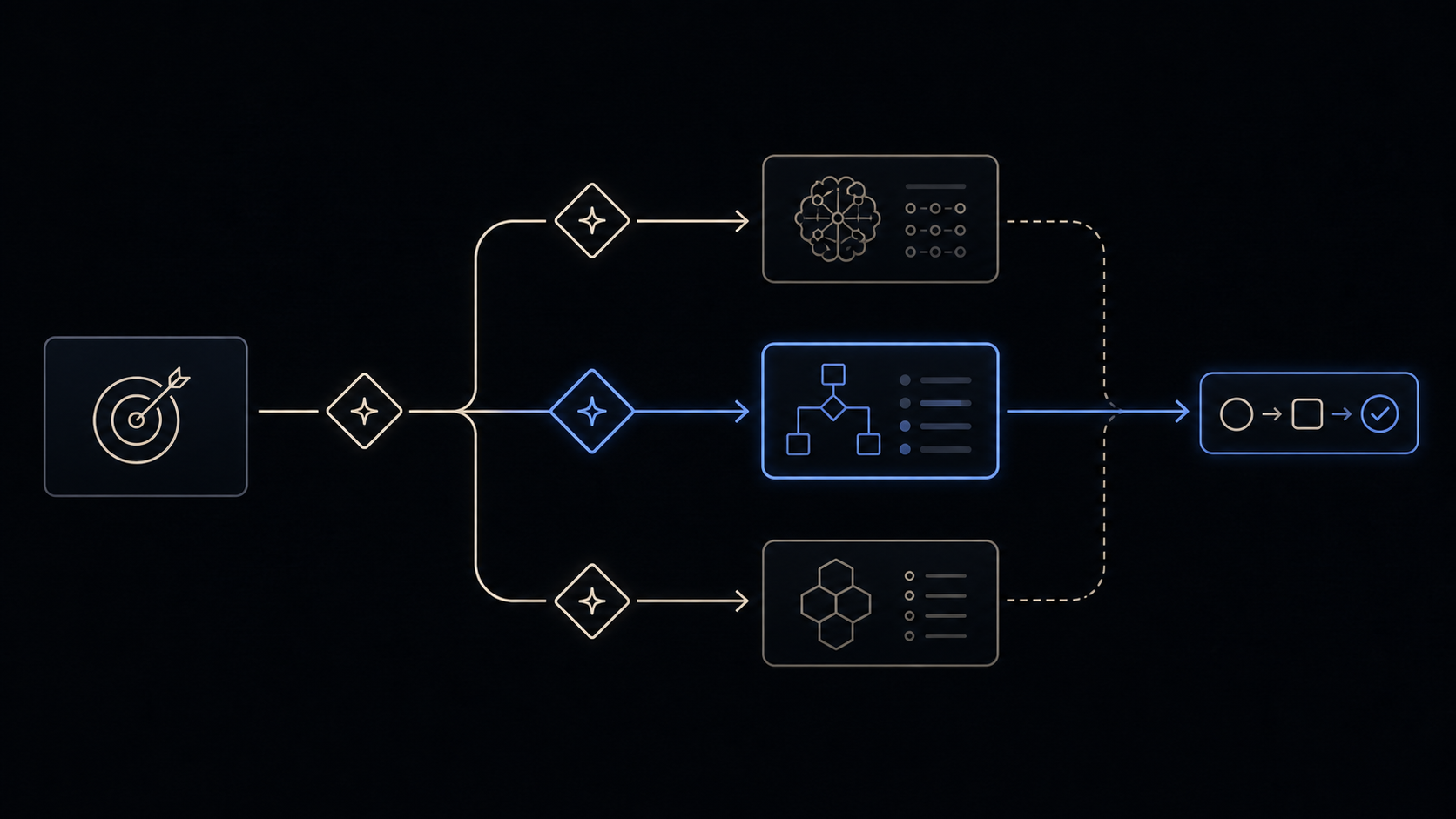
youtube-action-plan turns a useful video into a deliberately small application
loop. It preserves the source, extracts the central claim, selects only the ideas
worth testing, and creates a dated review point.
When to reach for it
Use it when a video contains useful ideas but your notes keep growing without changing what you do. It is for application, not for producing an exhaustive transcript summary.
Prerequisites
Provide a video with accessible captions, a transcript, or a reliable summary you are allowed to use.
The workflow
- Identify the central claim and its evidence.
- Separate interesting ideas from useful ones.
- Choose at most three actions that can be tried within seven days.
- Define observable proof for every action.
- Review the result and keep, revise, or discard the method.
Common questions
Can it work from a URL alone?
Only when captions or a transcript are actually accessible. A title and thumbnail are not enough evidence for a trustworthy action plan.
Why only three actions?
The goal is behavior change, not note volume. A short experiment produces more useful evidence than a long list nobody revisits.
It's working if
- Every claim can be traced back to the source or is labeled as an inference.
- The plan contains no more than three actions.
- Each action has observable proof and a dated review point.
- The review can honestly discard an idea that did not help.
Where it fits
Use it after watching a video and before adding its ideas to Home Base, a Skill, or a recurring workflow. What survives the review can become durable context; everything else stays a completed experiment.
Try it once
Use the core behavior in one conversation before installation. The repeatable Skill package is the primary path when you want the behavior available across future work.
Turn this video transcript or summary into a seven-day action plan. Separate what is interesting from what is useful, choose at most three actions, name the smallest proof for each, and schedule a review point.

Source: [paste transcript or summary]
Source & license
Released in EspoAI Skills v0.1.2. The released package is skills/productivity/youtube-action-plan/SKILL.md.
The public package is MIT-licensed and pinned here to the exact release commit. View the released EspoAI source
Skill package files
The full Skill text as copied from content/skill-vault/skills/youtube-action-plan/. Supporting agent configuration files stay in that folder.
SKILL.md
---
name: youtube-action-plan
description: Turn a YouTube video, transcript, or reliable summary into a small application plan with evidence, actions, and a review point. Use when a user wants to apply a video's useful ideas, separate insight from entertainment, or convert passive notes into a bounded experiment.
---

# YouTube Action Plan

Convert one source into a short learning loop instead of an exhaustive summary.

## Source boundary

Use a YouTube URL only when supported captions or an accessible transcript are
available. Otherwise ask for a transcript or reliable summary. Preserve the
source URL and distinguish what the creator said from your inference.

## Workflow

1. State the video's central claim and the evidence or examples supporting it.
2. Separate ideas that are interesting from ideas that could change the user's
   work, decisions, or behavior.
3. Select at most three actions. Each action must be small enough to try within
   seven days and specific enough to observe.
4. Define the smallest proof for each action: what should happen, what evidence
   to save, and what would count as a failed or inconclusive test.
5. Schedule one review point. At review, keep, revise, or discard each action
   based on what actually happened.

## Output

Return:

- source and central claim;
- ideas worth keeping;
- ideas intentionally ignored and why;
- a maximum of three seven-day actions;
- proof for each action;
- one dated review question.

Do not invent claims from a title or thumbnail and do not turn every idea in the
video into a task.