Skill Vault · Organize your work
Carry your work into a fresh session
Save the current state, open decisions and useful references for the next conversation.
An existing work session and a place outside the working repository to save the handoff.
Skill name /handoff
Your next step
Try it for yourself
You’ll need: An existing work session and a place outside the working repository to save the handoff.
Paste into your coding agent with the relevant project open.
This is a one-off starter for the approach. Installing the full Skill adds its complete instructions.
Create a handoff for the next session. Reference durable artifacts instead of duplicating them, preserve current state and unresolved decisions, name suggested Skills, and save the document outside the working repository.
What happens nextA handoff file points to durable work and names what remains unresolved.
Use it again
Add the full Skill.
The starter lets you try the approach. Installation adds the complete instructions to your AI coding tool.
Copy the setup instructionsFor Codex or Claude Code on your computer
Your next step
Ask your agent to help you install it
You’ll need: Node.js with npx, Git, and the agent you choose. A project folder where you want the Skill available.
Paste this into Codex or Claude Code with your project open. Your agent will help you review and install the package.
Review files and permissions before accepting an install. Adding a Skill does not run it.
Help me install /handoff from MattEspo23/skills v0.1.2 in this project.

Review the package instructions and supporting files first. Include these Skills: handoff.

Use the command for the agent I am using:
Add to Codex:
npx skills@latest add 'MattEspo23/skills#v0.1.2' --skill handoff --agent codex --copy

Add to Claude Code:
npx skills@latest add 'MattEspo23/skills#v0.1.2' --skill handoff --agent claude-code --copy

Show me where the files will go before making changes. Preserve existing Skills and customizations. Stop if the release, supporting Skills, or target agent cannot be verified. Do not run the Skill or change external services during setup.

After installation, explain how I can use /handoff and what access it needs.
What happens nextYour agent should review and add /handoff, then explain how to use /handoff. Stop if a dependency or version cannot be verified.
No additional supporting Skill is required by this package. Source version: v0.1.2.
Prefer a terminal command?
Add to Codex
npx skills@latest add 'MattEspo23/skills#v0.1.2' --skill handoff --agent codex --copy
Add to Claude Code
npx skills@latest add 'MattEspo23/skills#v0.1.2' --skill handoff --agent claude-code --copy
Installing copies the instructions into your chosen agent. It does not run the Skill or configure project tools.
Keep the package’s supporting files, LICENSE and NOTICE together with the Skill instructions.
Full notes & source materialThe complete original text, examples and reference details.
These are the complete original notes. Planned videos and services mentioned here may not be available yet; the actions above reflect what you can use on this site now.
Compact a long conversation into a portable handoff another agent or person can continue.
Watch
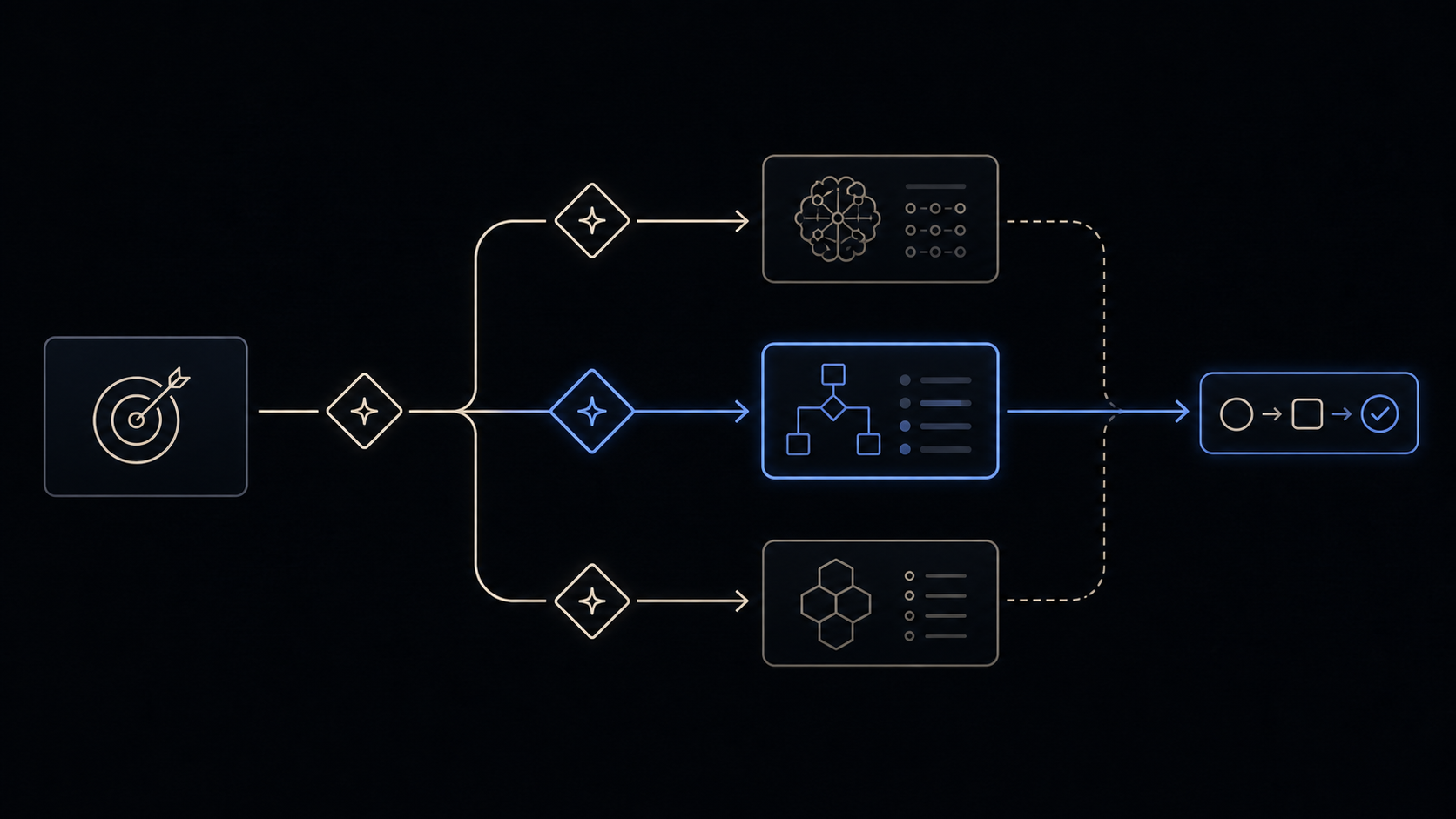
Skill Vault video planned · Video planned
Install
Public release v0.1.2 — install the latest source or pin the tested release.
Install latest
npx skills@latest add MattEspo23/skills --skill handoff
Reproducible install
npx skills@latest add 'MattEspo23/skills#v0.1.2' --skill handoff
Clean installs are verified for Codex and Claude Code. The installer copies editable files into the selected agent; review every Skill before giving it tool access.
This is the public, editable adapted baseline. Its deeper Espo-specific revision and Skill Vault video are planned; the released source can be installed now.
What it does
handoff compacts the conversation you are in into a handoff document — one markdown file, written to your OS's temporary directory rather than into the workspace, that a fresh agent can read to pick the work up.
What it buys is portability, not compression. That makes the skill narrower than it sounds. You need a file only when the work has to travel — to a new harness, a new directory, a colleague, or a side task you want to fork off. If nothing is travelling, you do not need a handoff: staying in the session, /clear, a subagent and /compact cover the ordinary end-of-phase case, and /compact covers it more often than this skill does.
When to reach for it
You invoke this by typing /handoff — the agent won't reach for it on its own. Pass a note about what the next session is for, and the document is written for it.
Four situations are the whole trigger:
| Situation | Why a file |
|---|---|
| Swapping harness — Claude → Codex | The new harness cannot see the old context |
| Moving to a different directory or repo | A prototype directory is the common case |
| Sending the work to a colleague | They need something they can read |
| Forking a side task found mid-phase | You keep working; a second agent takes the fork |
For anything else — same harness, same directory, you are done grilling and moving to implementation — /compact is the move. ask-espo carries the ordered tree over all five options at a phase boundary.
Branching is the use people skip
The skill's description reads like session resumption: write a summary, end here, resume there. Read that way it looks like a worse /compact, so it gets skimmed past. The fork case is the one worth knowing. You stay in your session and hand a copy of the accumulated context to a second agent working in parallel.
That is what the detour through prototype uses. You are deep in a design conversation, you hit a question that only running code will settle, and you do not want to spend the thread you built on finding out. Hand off to a prototype session, get the answer, hand the answer back, and reference it from the original thread. Two crossings, one live conversation, nothing re-explained.
Three of the five options at a phase boundary preserve different things: /compact preserves your intent, /clear preserves nothing, /handoff preserves the work's ability to move.
What travels, and what doesn't
The document carries the live thread — what's in flight, why, and what's next — plus a suggested skills section naming what the next agent should reach for. Secrets are redacted before it's written.
What it deliberately does not carry is anything already written down. Specs, plans, ADRs, issues, commits and diffs are referenced by path or URL, never copied. That keeps the file small, and it keeps the settled detail in one place instead of two that drift.
Common questions
Handoff or compact?
/compact unless something is travelling. Staying on the same task is a compact, not a handoff — same harness, same directory, and you need to stay in the loop is where the phase-boundary tree lands most days. /handoff's advantage is not that it summarises better; it's that the result is a file you can carry somewhere /compact can't reach.
So what's the actual difference between compact, clear and handoff?
Three different things being preserved. /compact compresses this context and keeps you going in a fresh window — intent survives. /clear empties the window and starts from nothing — correct when everything behind you is disposable, and one-way if it isn't. /handoff writes a portable file — the work survives the move to somewhere else. Note that all three turn a primary source (the conversation as it happened) into a secondary source (a summary of it). Continuing is the only move that doesn't, which is why it's the first one to rule out.
Where did my handoff file go? The temp directory, which is the most-reported friction with the skill: the paths are long, they differ per OS, and on Windows agents sometimes take several attempts to find the right one. Ask for the path back and keep it before you move on. Temp is deliberate: a handoff is a transit document, not an artifact you maintain. It is not a durable one either — see the next question.
My handoff vanished between sessions.
Some environments clear temp between sessions — Codex is the reported case — and /private/tmp goes on reboot. If the next session isn't starting within the hour, or is starting under a different harness, copy the file somewhere durable yourself as soon as it's written. The same applies to anything the document points at: a dispatch that references other files in temp is a dispatch the next agent can't follow.
How do I actually hand it to the next agent?
Open the fresh session and point it at the path: read this file, then continue. Point at the file rather than pasting the summary into a shell command — a summary containing backticks or $(...) gets mangled when it's interpolated into claude "<summary>", and the usual failure is silent truncation rather than an error, so the new agent starts with a quietly incomplete brief.
Is this the same as /branch, --fork-session, or the built-in /handoff?
Analogous, not identical, and /branch isn't a shipped skill here — /handoff is the canonical name. A fork inherits an exact copy of the context; this skill produces a targeted compression aimed at a stated next task, in a file. Where a fork will do — same machine, same harness, same directory — a fork is less work. The file wins the moment the destination is somewhere the fork can't go.
When does something belong in CLAUDE.md instead?
Ask whether it's true next month. CLAUDE.md is standing context about the project, loaded into every session whether it's relevant or not. A handoff is about one piece of work in flight and is dead once that work lands. Facts that keep getting re-explained are a CLAUDE.md problem; a half-finished task is a handoff.
It captures the what, not the why. A fair and repeated criticism. Two things help. Pass the argument — tell it what the next session is for — so the reasoning that bears on that is kept rather than flattened. And watch for confident claims the session never actually verified: "X isn't built", "Y is done". The next agent treats the document as a contract and will not re-check it, so a belief written as a fact becomes a false premise for everything that follows. Read the document before you hand it over, and downgrade anything you only assumed.
Why is it a skill rather than a slash command? Both work; they suit different situations. As a skill it ships and updates through the same install path as everything else here, which is what makes it shareable — the constraint that the agent won't fire it itself is set by its frontmatter rather than by the mechanism.
It's working if
- The document is a small fraction of the conversation, and the specs, issues and diffs appear in it as paths and URLs rather than as copied text.
- You can read it cold, without the original session open, and know what to do next.
- The fresh agent starts working instead of asking you to re-explain the setup.
- In the fork case, your original session is still sitting there untouched when you come back to it.
- The suggested-skills section names the skill you'd have reached for yourself.
- Nothing in it is a key, a token, or a password.
Where it fits
handoff is a reach-for-it-anytime standalone that lives at the seam between sessions rather than inside a build chain — but a narrow one, and the honest map is that you'll use it less often than the other four options at a phase boundary. Its closest neighbour is prototype, because a prototype lives in its own directory and the round trip out and back is exactly the crossing this skill is for. When you're at a boundary and unsure whether to continue, clear, hand off, delegate or compact, ask-espo carries the tree that orders those five — and routes you over the rest of the set.
Try it once
Use the core behavior in one conversation before installation. The repeatable Skill package is the primary path when you want the behavior available across future work.
Create a handoff for the next session. Reference durable artifacts instead of duplicating them, preserve current state and unresolved decisions, name suggested Skills, and save the document outside the working repository.
Source & license
Released in EspoAI Skills v0.1.2; adapted from mattpocock/skills v1.2.3. The released package is skills/productivity/handoff/SKILL.md.
The public package is MIT-licensed and pinned here to the exact release commit. View the released EspoAI source
The adapted baseline preserves the upstream copyright, MIT permission notice, and pinned provenance. View the original pinned source
Skill package files
The full Skill text as copied from content/skill-vault/skills/handoff/. Supporting agent configuration files stay in that folder.
SKILL.md
---
name: handoff
description: Compact the current conversation into a handoff document for another agent to pick up.
---

Write a handoff document summarising the current conversation so a fresh agent can continue the work. Save to the temporary directory of the user's OS - not the current workspace.

Include a "suggested skills" section in the document, which suggests skills that the agent should invoke.

Do not duplicate content already captured in other artifacts (specs, plans, ADRs, issues, commits, diffs). Reference them by path or URL instead.

Redact any sensitive information, such as API keys, passwords, or personally identifiable information.

If the user passed arguments, treat them as a description of what the next session will focus on and tailor the doc accordingly.
Keep going