Skill Vault · Plan and decide
Ask someone for the information you need
Draft focused questions for the person who holds the missing context.
The recipient’s role and the decisions or information you need back.
Skill name /to-questionnaire
Your next step
Try it for yourself
You’ll need: The recipient’s role and the decisions or information you need back.
Paste into an AI conversation after adding your own context.
This is a one-off starter for the approach. Installing the full Skill adds its complete instructions.
Create a questionnaire for [recipient role]. I need [decision or information] back. Grill me only about the send, then draft a concise Markdown questionnaire ordered by importance.
What happens nextThe draft covers what you need to learn, with the most important questions first.
Use it again
Add the full Skill.
The starter lets you try the approach. Installation adds the complete instructions to your AI coding tool.
Copy the setup instructionsFor Codex or Claude Code on your computer
Your next step
Ask your agent to help you install it
You’ll need: Node.js with npx, Git, and the agent you choose. A project folder where you want the Skill available.
Paste this into Codex or Claude Code with your project open. Your agent will help you review and install the package.
Review files and permissions before accepting an install. Adding a Skill does not run it.
Help me install /to-questionnaire from MattEspo23/skills v0.1.2 in this project.

Review the package instructions and supporting files first. Include these Skills: to-questionnaire.

Use the command for the agent I am using:
Add to Codex:
npx skills@latest add 'MattEspo23/skills#v0.1.2' --skill to-questionnaire --agent codex --copy

Add to Claude Code:
npx skills@latest add 'MattEspo23/skills#v0.1.2' --skill to-questionnaire --agent claude-code --copy

Show me where the files will go before making changes. Preserve existing Skills and customizations. Stop if the release, supporting Skills, or target agent cannot be verified. Do not run the Skill or change external services during setup.

After installation, explain how I can use /to-questionnaire and what access it needs.
What happens nextYour agent should review and add /to-questionnaire, then explain how to use /to-questionnaire. Stop if a dependency or version cannot be verified.
No additional supporting Skill is required by this package. Source version: v0.1.2.
Prefer a terminal command?
Add to Codex
npx skills@latest add 'MattEspo23/skills#v0.1.2' --skill to-questionnaire --agent codex --copy
Add to Claude Code
npx skills@latest add 'MattEspo23/skills#v0.1.2' --skill to-questionnaire --agent claude-code --copy
Installing copies the instructions into your chosen agent. It does not run the Skill or configure project tools.
Keep the package’s supporting files, LICENSE and NOTICE together with the Skill instructions.
Full notes & source materialThe complete original text, examples and reference details.
These are the complete original notes. Planned videos and services mentioned here may not be available yet; the actions above reflect what you can use on this site now.
Turn open questions into a document for the person who actually holds the missing knowledge.
Watch
Skill Vault video planned · Video planned
Install
Public release v0.1.2 — install the latest source or pin the tested release.
Install latest
npx skills@latest add MattEspo23/skills --skill to-questionnaire
Reproducible install
npx skills@latest add 'MattEspo23/skills#v0.1.2' --skill to-questionnaire
Clean installs are verified for Codex and Claude Code. The installer copies editable files into the selected agent; review every Skill before giving it tool access.
This is the public, editable adapted baseline. Its deeper Espo-specific revision and Skill Vault video are planned; the released source can be installed now.
What it does
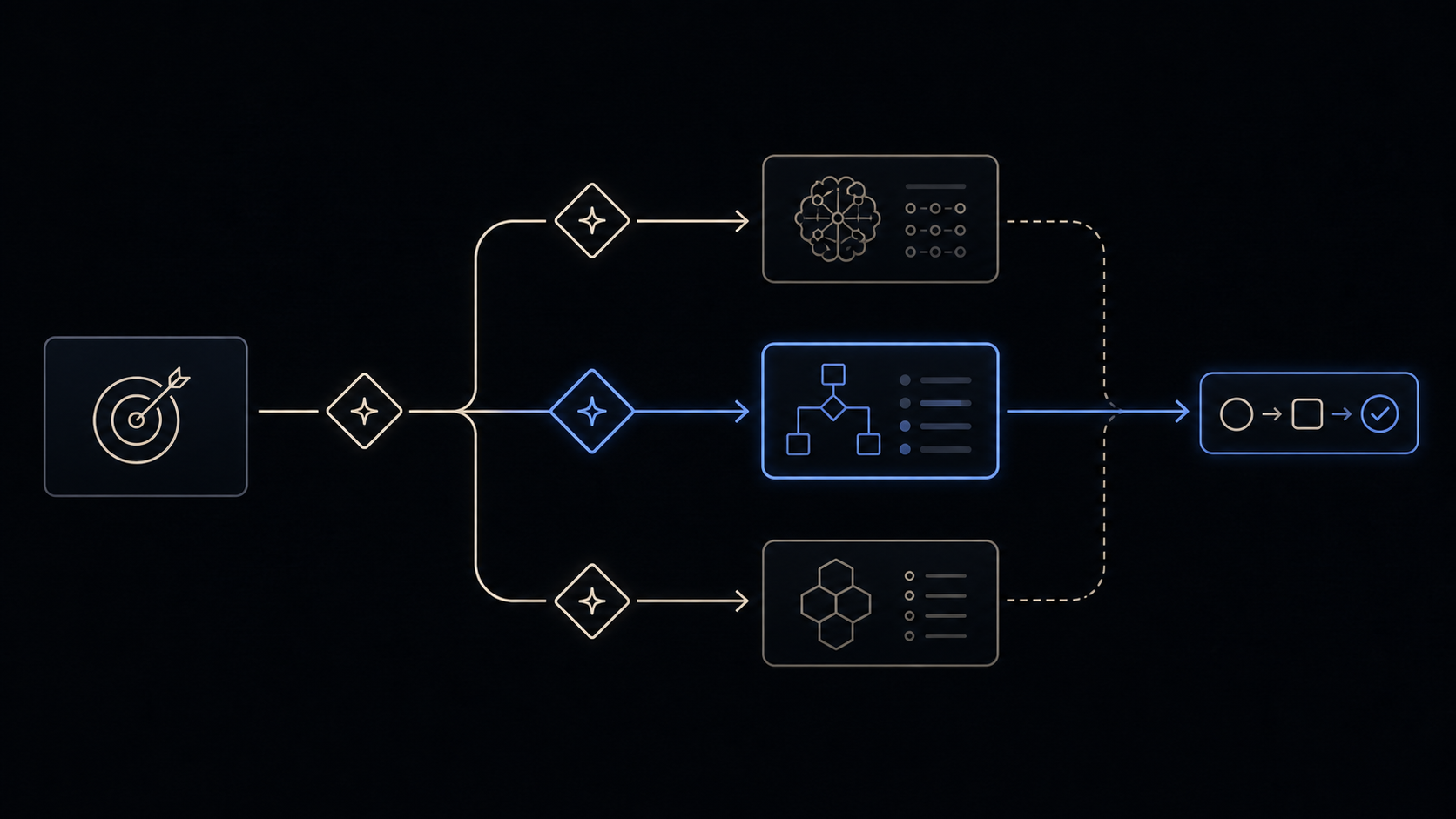
to-questionnaire turns a decision you can't settle on your own into a questionnaire — a Markdown document you hand to the one person who holds what you're missing, for them to fill in async or for the two of you to work through in a meeting.
It grills you about the send, never the subject. Interviewing you about the topic is pointless here: not knowing the topic is why you're writing to someone else. So it asks the two things you can always answer — who this is going to, and what you need back from them — and aims every question in the document at the gap between the two.
When to reach for it
You invoke this by typing /to-questionnaire — the agent won't reach for it on its own.
Reach for it when a decision is blocked on knowledge that lives in one other person's head: a client, a domain expert, an exec who owns the business rules, a colleague on a team you don't sit with. Which skill you want depends on where the answers actually are:
| The answers are in… | Reach for |
|---|---|
| Your own head, unsharpened | grill-me |
| The codebase | grill-with-docs |
| Someone else's head | to-questionnaire |
| Nobody's head yet — the question needs something to react to | prototype |
The common case is a grilling session that stalls: some of what surfaced isn't yours to answer. Run /to-questionnaire in that same conversation to take those questions offline, then bring the answers back and carry on.
The send, not the subject
The interview is two exchanges, and then it stops.
- Who is it going to? Their role, their expertise, their relationship to you. This fixes the tone and how much context the document has to carry — an outside client needs orienting, a teammate does not.
- What do you need back? The concrete decisions or facts you can't resolve alone. This becomes the checklist the finished document is measured against: every item you named gets a question aimed at it.
Everything after that is drafting. The file lands at to-questionnaire-<slug>.md in the current directory. There is no setup, no workspace, and nothing to configure.
The document
It is framed as a discovery questionnaire — you lack the context, the recipient holds it — and that framing drives its shape:
- A purpose line naming the decision riding on it, and a short context section for a recipient who was never in your head.
- Questions ordered most-important-first and grouped under themed headings, because async means you may only get one pass.
- One idea per question, never compound, with an answer stub beneath it and a why this matters line only where a question could be misread.
- Explicit permission to answer "I don't know" — a flagged uncertainty is useful; a confident guess that reads like a fact is not.
- A closing catch-all: anything we didn't ask that we should know?
Two things it deliberately isn't. It isn't branching — the questions are a flat, grouped list, not a tree that skips section D if you answered A. And it isn't multi-recipient — one run produces one document for one person.
Common questions
Does it read my grilling session and extract the questions from it? Not as a step of its own. The skill has no ingest phase: it asks about the send, then drafts. What makes it work after a grilling session is that you run it in the same conversation, so the session is already in context and the drafting can draw on it. Start it in a fresh session and it knows nothing about the grilling — you'll be re-supplying the topic yourself when you answer "what do you need back?".
The missing answers don't all live with the same person. Can it split them by recipient? No. Step one asks for the recipient, singular, and the tone and context of the whole document are pitched at them. If three people hold three parts of the answer, run it three times, once per person. Routing questions by discipline or role inside a single document is a request people have made; it isn't what shipped.
Are the questions dependent — does it skip sections based on earlier answers? No. The dependent-question design was explored and did not ship. The output is a static document: themed groups, most-important-first, every question live. The objection against it is a fair one — a model planning more than two or three questions ahead of a real answer plans badly, and a branching document has to plan all of them ahead of every answer.
What if the recipient doesn't know either? The document tells them to say so. "I don't know" and partial answers are asked for explicitly, and a flagged uncertainty is worth more than a guess, because a vague answer and a confidently wrong one look identical once they're back in your context.
Does it send it anywhere — Slack, an issue tracker, email? No. It writes a Markdown file in the current directory and tells you the path. Delivery is yours: paste it into a ticket, drop it in a Slack thread, attach it to an email, or open it on a shared screen and work through it live. People have wired up all four by hand.
Isn't this just /grill-me in batch mode?
No, and the distinction is worth holding. grill-me already asks in rounds — the whole frontier at once, then recomputed from your answers — so the "give me all the questions at once" need is met there. to-questionnaire is about a different axis: not how the questions are delivered, but whose head the answers are in. Answering them yourself faster is grill-me; getting them out of someone else is this.
Couldn't I just ask the agent for this without a skill?
Yes, and plenty of people did before it existed — OPEN_QUESTIONS.md files, spreadsheets sent to clients, a "needs more info" ticket per unanswered question. The skill buys you two things: the interview never drifts onto the subject, and the document comes out in a shape a non-technical recipient can actually fill in. If you already have a house format that works, the honest answer is that you don't need this.
It's working if
- It asks about the recipient and about what you need back, then stops asking. A question about the subject itself is the skill off the rails.
- Every item you named as "what I need back" is traceable to a question in the file.
- The questions read as aimed at what the recipient knows, not as your own open questions copied down verbatim.
- You could hand the file to someone who wasn't in the conversation and they would know why they got it and by when to reply.
- The answers that come back are usable input for a new grilling round, rather than a fresh set of questions.
Where it fits
to-questionnaire is a reach-for-it-anytime standalone. It sits at the boundary of your own knowledge, where the next move is another person rather than another skill — most often mid-flow, when planning has stalled on something that isn't yours to decide.
Its neighbour is grill-me, and the two split on where the answers live: grilling mines you, a questionnaire mines someone else. What comes back is raw material — feed it into another grilling round, or into grill-with-docs or to-spec if the work is heading for a build. When you're unsure which skill fits the moment, ask-espo routes you.
Try it once
Use the core behavior in one conversation before installation. The repeatable Skill package is the primary path when you want the behavior available across future work.
Create a questionnaire for [recipient role]. I need [decision or information] back. Grill me only about the send, then draft a concise Markdown questionnaire ordered by importance.
Source & license
Released in EspoAI Skills v0.1.2; adapted from mattpocock/skills v1.2.3. The released package is skills/productivity/to-questionnaire/SKILL.md.
The public package is MIT-licensed and pinned here to the exact release commit. View the released EspoAI source
The adapted baseline preserves the upstream copyright, MIT permission notice, and pinned provenance. View the original pinned source
Skill package files
The full Skill text as copied from content/skill-vault/skills/to-questionnaire/. Supporting agent configuration files stay in that folder.
SKILL.md
---
name: to-questionnaire
description: Turn a decision you can't fully answer into a questionnaire for someone else to fill in.
---

Turn something the user can't answer alone into a **questionnaire** — a Markdown document they hand to one person to fill in async, or fill out together over a meeting. The recipient holds knowledge the user lacks; the questionnaire pulls it out of them.

**Grill the send, not the subject.** Interview the user only about the _send_, which they can always answer: who it goes to, and what they need back. The questions in the document then target the **gap** between what the recipient knows and what the user needs.

1. **Who is it going to?** Ask, in one exchange, the recipient's role, expertise, and relationship to the user. This fixes the questionnaire's tone and how much context it must carry. Done when you know who the recipient is and what they know that the user doesn't.

2. **What do you need back?** Ask, in one exchange, the specific decisions or facts the user can't resolve alone and needs from this person. Done when you have a concrete list of what the user must walk away able to do or decide.

3. **Write the questionnaire.** Draft questions aimed at the gap from steps 1–2, following the Document structure below. Write it to `to-questionnaire-<slug>.md` in the current directory (slug from the topic) and report the path. Done when the file exists and every item the user named in step 2 is covered by a question.

## Document structure

Frame the document as a **discovery questionnaire**: the user lacks context, the recipient holds it. Order questions most-important-first — async means you may only get one pass — and group them under `##` headings by theme once there are more than a handful. Write it using the template below.

<questionnaire-template>

# <Questionnaire title>

**Purpose:** why this questionnaire exists and the decision riding on it.

**From:** <the user> — **To:** <the recipient> — **How your answers will be used:** <where they go>

## Context

One paragraph orienting a recipient who wasn't in the user's head. Enough to answer well, not a page.

## How to answer

Deadline and rough effort. Partial answers and "I don't know" are useful — flag anything you're unsure of rather than skipping it.

## <Theme heading>

One `##` section per theme. Under each, its questions, most-important-first. Every question is one idea — never compound — with an answer stub directly beneath, and a one-line _why this matters_ only where the question could be misread or invite a throwaway answer.

<question-example>
### What load is the system expected to handle at launch?

_Why this matters: it decides whether we provision for burst traffic now or defer it._

>
</question-example>

## Anything else?

A closing catch-all: anything we didn't ask that we should know?

</questionnaire-template>
Keep going